
Advanced
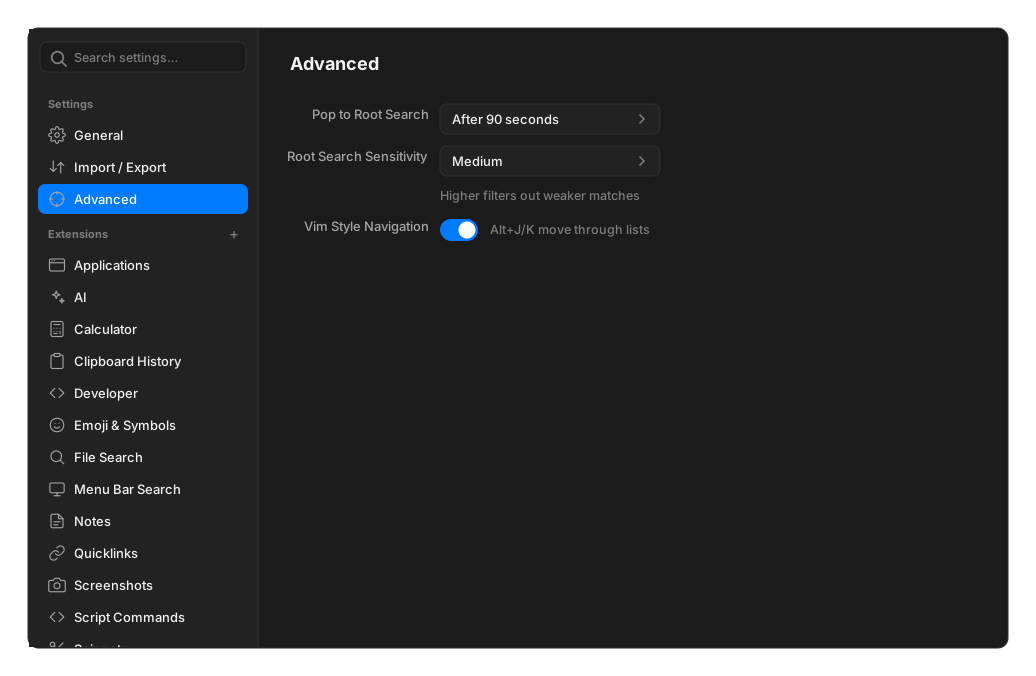
The Advanced pane holds exactly two settings.
| Setting | Options | Default | What it does |
|---|---|---|---|
| Pop to Root Search | Never, Immediately, After 10 seconds, After 30 seconds, After 1 minute, After 90 seconds, After 3 minutes | Never | How long a command stays open in the background before the palette returns to root search |
| Root Search Sensitivity | Low, Medium, High | Low | How good a fuzzy match has to be to appear at all |
Choosing a sensitivity
Section titled “Choosing a sensitivity”Low is the default. It keeps anything whose letters appear in order, so ai will surface
Create Window Command. Medium drops those scattered matches while keeping every
clean one. High is stricter again.
If root search feels noisy, raising this is the first thing to try.
No setting ever drops a clean prefix match: clip always finds Clipboard History.