
Application search
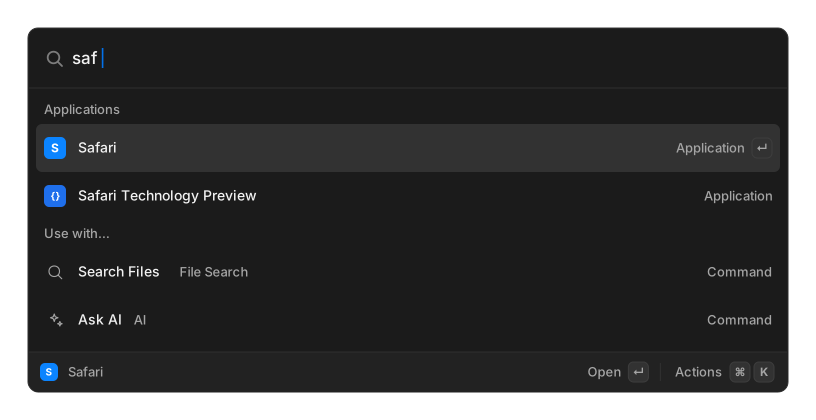
Type a few letters of an application’s name and press ↵. This is the one thing OpenRay does natively rather than through an extension, and it needs no setup.
Applications are found where your platform keeps them:
| Platform | Scanned |
|---|---|
| macOS | /Applications, ~/Applications, /System/Applications and its Utilities folder, read from each bundle’s Info.plist |
| Windows | .lnk shortcuts under the Start Menu |
| Linux | .desktop files in the standard XDG directories |
Icons come from the application itself.
Ordering
Section titled “Ordering”Applications share one list with every command, ranked by how well they match and how recently and often you have used them. Each launch raises an app’s standing, and that boost decays if you stop using it, so the list reshapes itself around your habits. See Core concepts.
Give an application an alias if you want a particular two letters to always land on it.
Related
Section titled “Related”- Switch Windows — jump to an already-open window instead
- Core concepts