
The Store
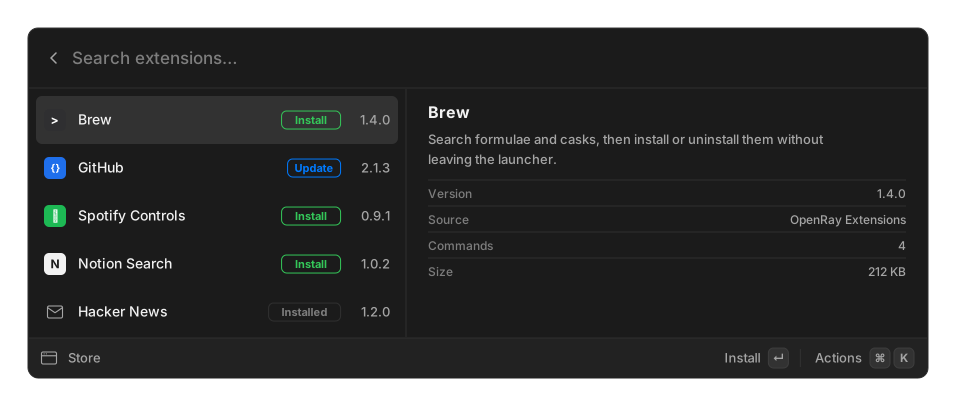
Type Store in the palette to browse every registry you have added. Each entry shows the extension, its version, and whether it is installable, updatable, or already installed.
Every install starts with one registry already added: OpenRay Extensions (https://tuanpham-dev.github.io/openray-extensions/), seeded on first run. It is an ordinary source with no privileges — remove it in Settings and it stays removed.
What installing does
Section titled “What installing does”Extensions arrive as .orx archives, which are prebuilt. Installing one needs no git,
npm, or compiler on your machine, and the extension’s commands appear in root search as
soon as it lands.
The catalog’s sha256 is verified on download. Read
Trust and security before adding a registry — it is
the point at which you decide what gets to run.
Registries
Section titled “Registries”A registry is just an index.json plus archives, served from any static host. Add and remove
them under Settings → Add Extension → Registries.
Automatic updates are on by default, both for the registry that ships with OpenRay and for any registry you add. OpenRay checks about a minute and a half after launch and once a day after that, and a new version installs without asking you first.
Turn it off per source in the same settings section. A newer version is then shown to you in the Store instead of being installed.
Related
Section titled “Related”- Installing extensions — the other three ways to install
- Packaging and registries — run your own